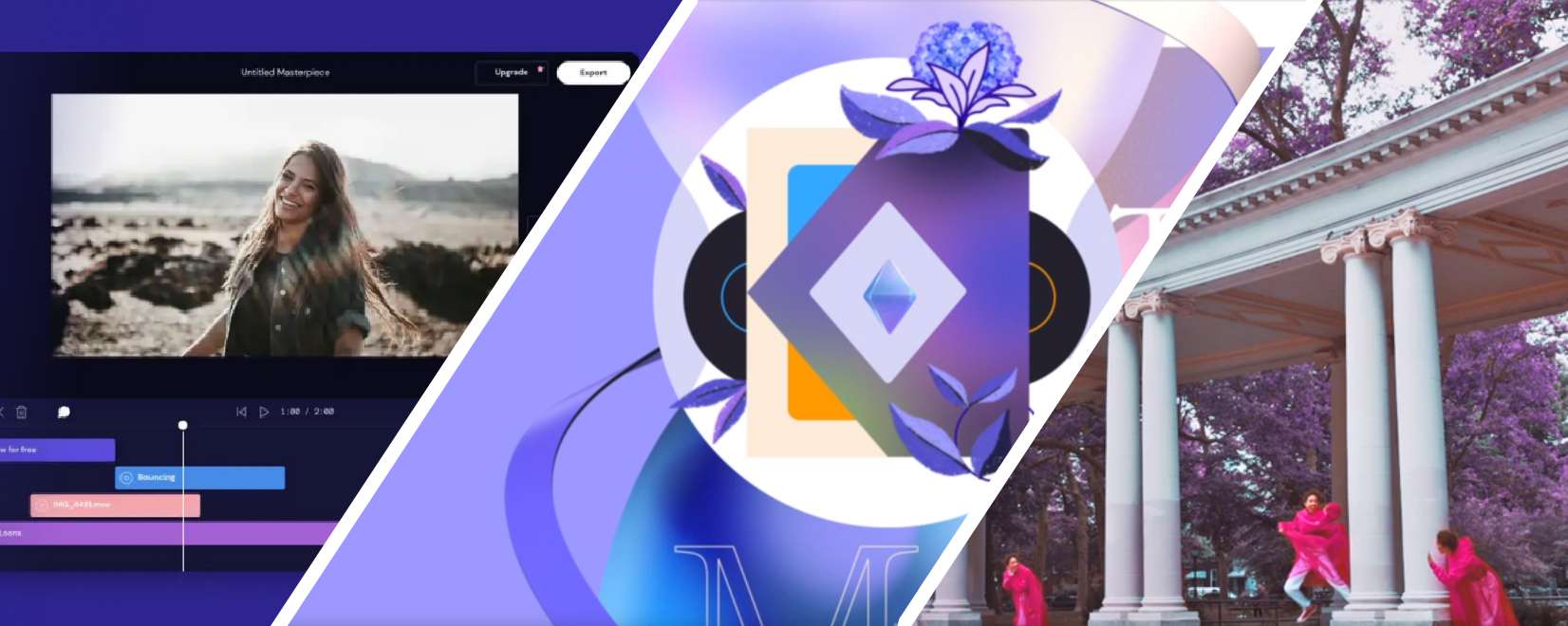

Choosing the right video marketing tool is one of the most critical success factors for your marketing. On the other hand, a professional has four expectations of the software:
The most influential factors in choosing the best video marketing tool:
- Creativity: Creativity is the most significant factor which can be upstanding your artwork. Millions of videos are published every day. If you don’t want your video lost on this crowd jungle like a bit of grass, you have to make a sequoia tree.
- Ease of use: Speed of creating is the second important factor to win the competition. If you choose an easy tool, you can make high-quality videos with fewer skills and generate more videos.
- Price: The cost of video marketing contains the software and tools price and the precious time you consume. If you calculate your per-hour salary, you find that the tool price is the smaller share of costs. So we wrote it as the last factor.
Read more about other factors of creating an engaging video here

Most three popular video marketing tools
There are a lot of software and online video editing tools, but this article compares the top 3 industry leaders you can use efficiently and professionally.
1-Adobe After effects templates

After-effects is the most professional software for motion graphics and visual effects. Its particular structure lets users create a wide range of creative scenes.
Previously the Ae was somewhat challenging for beginners. But the templates have made it very easy in recent years. Some of the most professional designers and developers make pre-made templates. You can use them very quickly with a few skills, and also, you can modify them to create whole new creative artworks.
Visit the most professional templates designed by Dream Expander here.
Read more about How to upgrade your motion graphics skills


Ease of use
Price
Creativity
2-Adobe Primer pro

Premiere Pro is the industry standard for video editing today. Professional video editors routinely create everything from YouTube videos to streaming content and movies.
While it’s perfect to fast edit footage, color correction, add transitions, etc., it doesn’t have powerful tools for designing motion graphic scenes. But there are two solutions for this weakness.
A) Using the Premiere pro templates.
B) Importing After-effects templates. Adobe provided a standard Interface file format called MOGRT to transfer templates from After-effects to Premiere pro.
Some of Ae’s template packages contain MOGRT files. Also, you can make them on the After-effects using the essential graphic tool. (Read more about MOGRT files)
Ease of use
Price
Creativity
3-Online video editors

Some websites provide online video templates. You don’t need to install the software. So easy to use is the most important feature of them. You can purchase a plan and start to make movies. The online platforms’ cost is not high, but they have some limitations to export, while in an offline application, you can get as much output as you want.
While this method is suitable for beginners, it doesn’t have enough creativity for professionals. (How to become a professional movie creator). You have to use limited premade scenes with a few adjustment controls. On the other hand, millions of people are using these templates simultaneously. It can decrease the ability of competition for your stereotype movies made online.
Ease of use
Price
Creativity